HubSpot forms + AB testing
A template for running AB tests on HubSpot forms.
Introduction
Looking to find out which HubSpot form converts best?
This template connects your HubSpot forms to Croct so you can run experiments on the form each visitor sees, without touching code or integrating other analytics tools.
The form ID lives in a slot, so an experiment changes the slot's return value and your page renders the matching form automatically.
Learn more about the Croct + HubSpot forms integration by exploring the integration page.
Using Croct, you get:
- AB testing support with real-time audience evaluation
- Built-in analytics and Bayesian analysis for every variant
- Support for both legacy and new HubSpot forms
This template is compatible with features available on the forever-free plan.
What's included
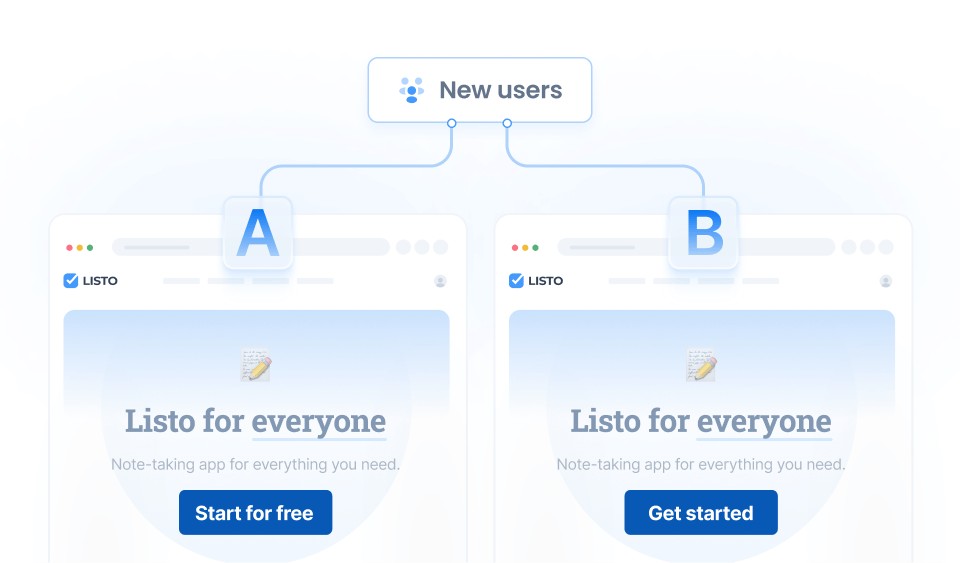
Besides the integration itself, this template creates an AB test for all users, splitting them into two variants with 50% of the traffic each. Each variant renders a different HubSpot form, and the form-submission goal measures which one drives more submissions:
- Variant A: the form you are currently using.
- Variant B: an alternative form.
Usage
Run the following command in your project to apply this template:
npx croct@latest use croct://integration/hubspot-ab-testingOnce installed, fetch the slot and embed the returned form ID. The HubSpot forms tutorial walks through embedding the form and tracking submissions.
 Croct
Croct




Start building in seconds
Paste the following command in your terminal and let the CLI do the rest.
npx croct@latest use croct://integration/hubspot-ab-testing