Analytics

Croct + Microsoft Clarity

Tag every Clarity session with the audiences, experiences, and experiments behind it, so you can filter recordings and heatmaps by what each visitor actually saw.

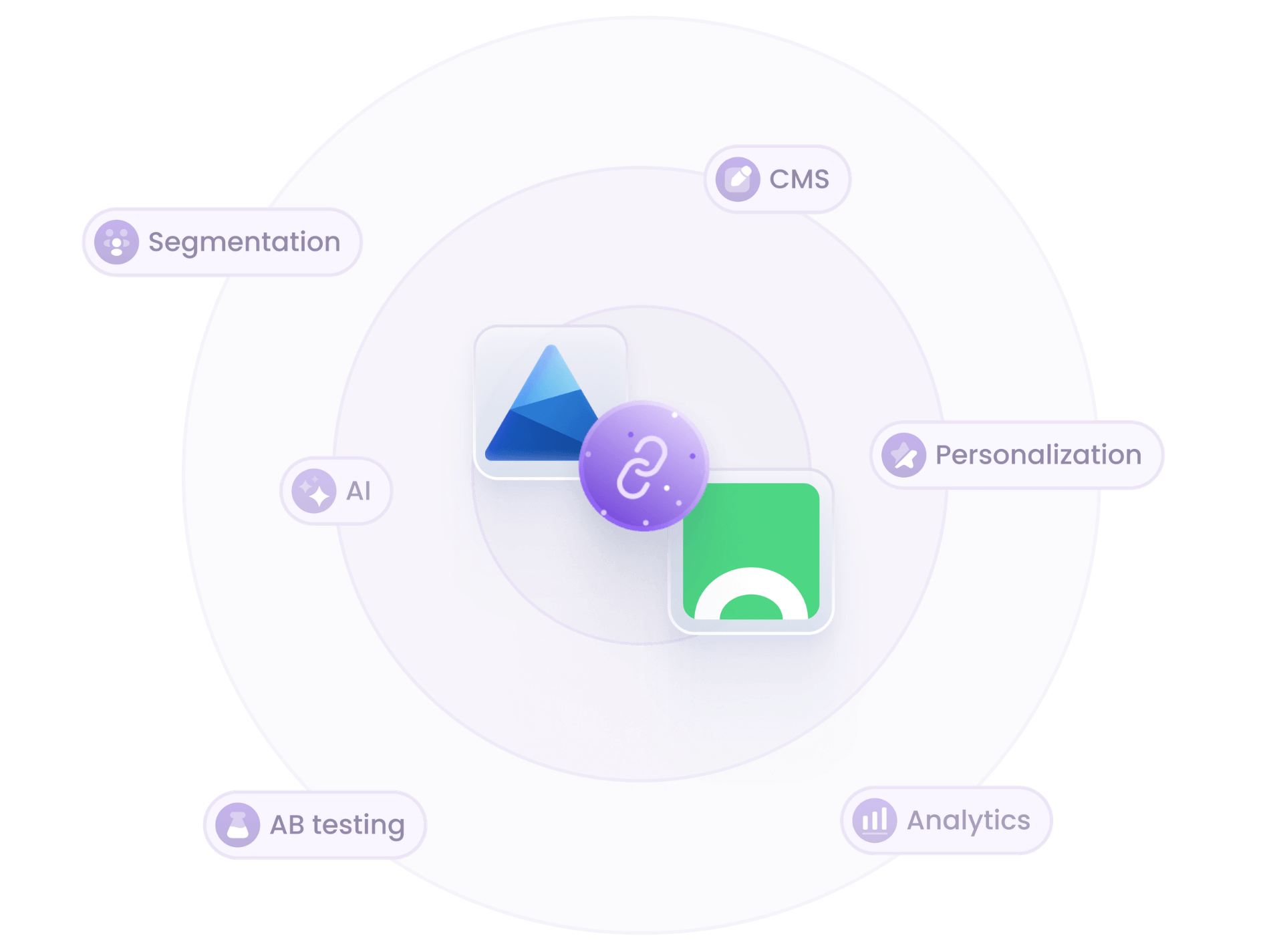
Croct and Microsoft Clarity integration illustration

Why combine Microsoft Clarity with Croct?

Clarity already records how visitors behave. Croct adds the context of what each one actually experienced.
  • Segmented recordings

    Filter session recordings by the audience, experience, or experiment variant behind each session.

  • Heatmaps per variant

    Compare heatmaps between experiment variants and see where visitors drop off, rage click, or hesitate.

  • No extra tracking code

    A single script tags every session automatically, with nothing to instrument by hand.
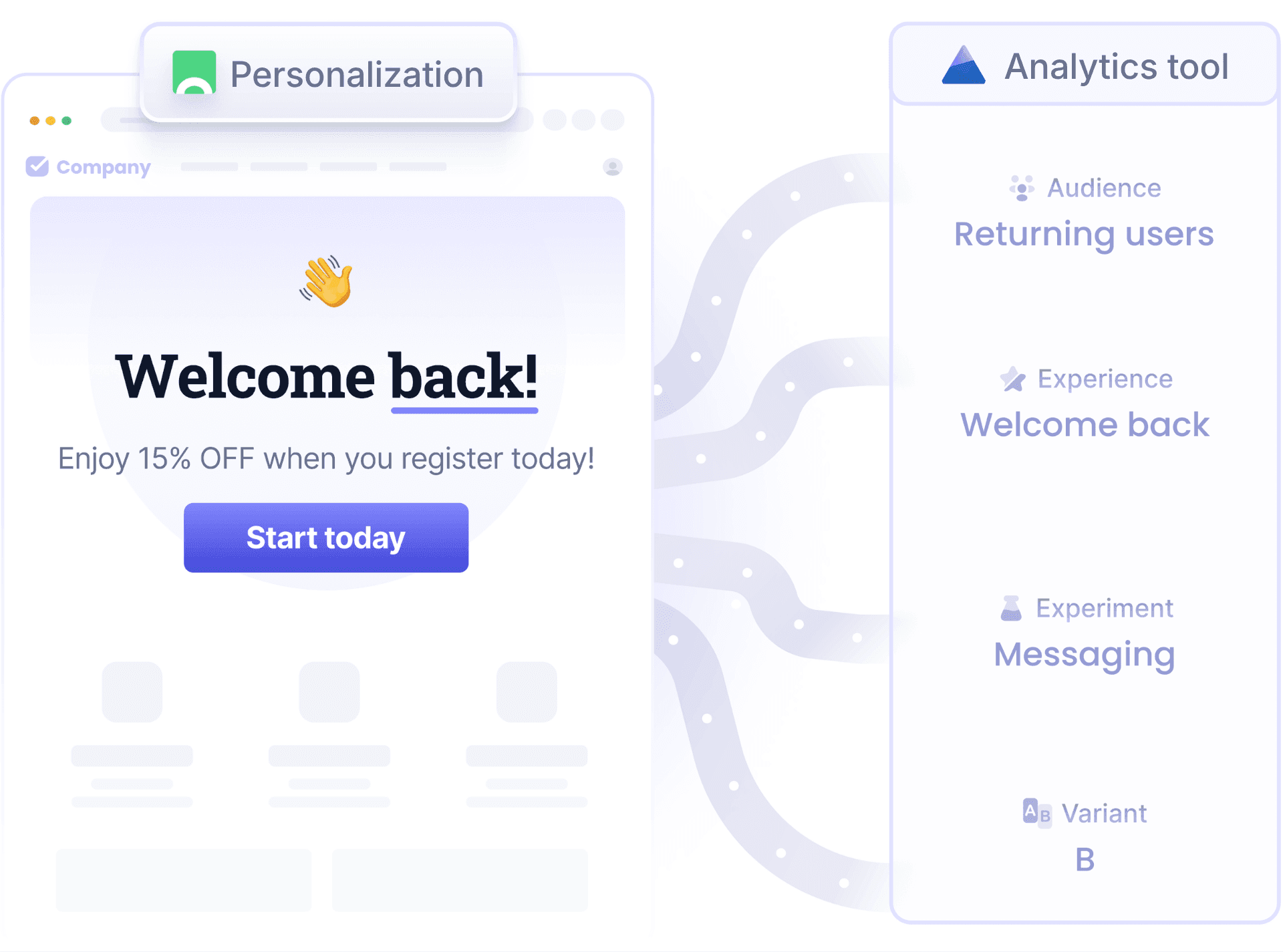
Why combine Microsoft Clarity with Croct illustration

How it works

Bring Croct's context into Microsoft Clarity in three steps.

  • Add the script

    Add a single script to your website or inject it with Google Tag Manager, with no other changes.

  • Watch tags flowing

    On every pageview, Croct sets the visitor's audiences, experiences, and experiments as Clarity custom tags.

  • Analyze in Clarity

    Filter recordings and compare heatmaps by Croct's audiences, experiences, and variants.

Frequently asked questions

Ready to integrate Croct and Microsoft Clarity?

Create your forever-free account and take the first step.